
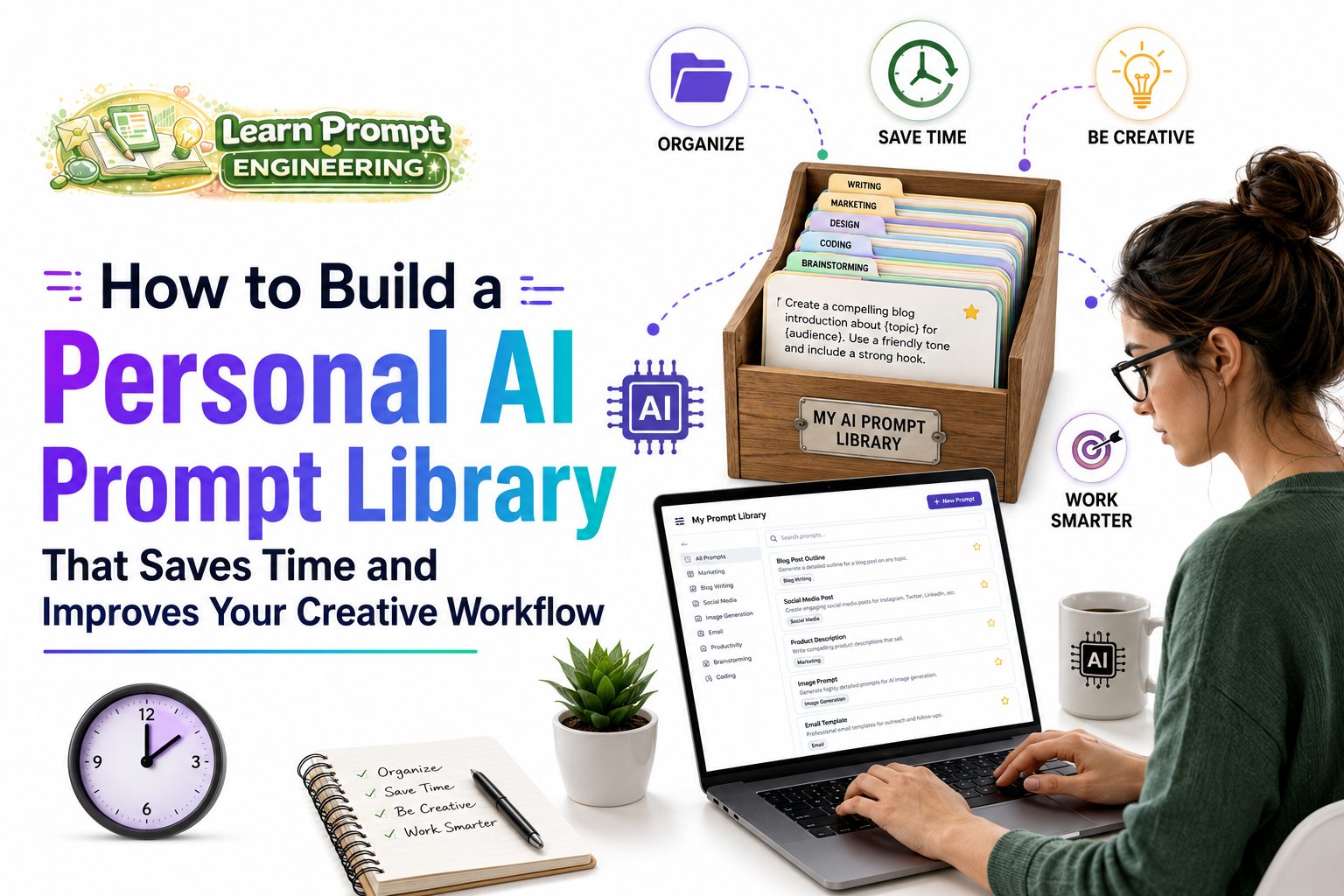
One of the most powerful ways to improve your productivity with AI is by building a personal prompt library. A well-organized collection of proven prompts can save hours of work and dramatically enhance the quality and consistency of your outputs. This guide shows you how to create and maintain an effective AI prompt library.
Why You Need a Personal Prompt Library
A prompt library eliminates repetitive work, ensures consistency across projects, and allows you to reuse your best-performing prompts. Over time, it becomes one of your most valuable creative assets.
Step-by-Step Guide to Building Your Prompt Library
Step 1: Choose Your Organization System
Organize prompts by categories relevant to your work. Recommended folders include:
- Writing & Content Creation
- Research & Analysis
- Brainstorming & Ideation
- Editing & Refinement
- Domain-Specific (Marketing, Design, Academic, etc.)
- Image Generation Prompts
Step 2: Create a Simple Template Structure
For every prompt, include:
- Prompt Name / Title
- Category
- The full prompt text
- Notes on when and why it works well
- Version date
- Model(s) it performs best on
Step 3: Start Collecting and Refining Prompts
Begin by reviewing your recent AI conversations. Save every prompt that produced excellent results. Then gradually improve them through testing and iteration.
Essential Prompt Templates to Include
1. Content Writing Template
“Act as a professional [content type] writer with 10+ years of experience. Write a [length] piece about [topic] for [audience]. Tone: [tone]. Structure with clear headings and include practical examples. Make it engaging and SEO-friendly.”
2. Analysis Template
“Act as an expert [field] analyst. Analyze [subject] and provide: 1. Key insights, 2. Strengths and weaknesses, 3. Actionable recommendations. Think step by step and support conclusions with clear reasoning.”
3. Creative Ideation Template
“Act as a highly creative [profession]. Generate 10 original ideas for [goal]. For each idea, provide a brief description, potential benefits, and implementation considerations.”
Best Practices for Managing Your Library
- Regularly review and update prompts
- Test prompts with new AI models
- Keep versions when making significant improvements
- Use searchable names and tags
- Back up your library regularly
- Periodically remove or archive underperforming prompts
Tools for Managing Your Prompt Library
- Notion or Obsidian (recommended)
- Google Docs / Microsoft Word with folders
- Simple text files or Markdown
- Specialized prompt management tools
Advanced Tips for Maximum Efficiency
- Create meta-prompts that help you improve other prompts
- Build industry-specific collections
- Include both positive and negative prompts for image generation
- Share selected prompts with collaborators (while keeping core templates private)
Measuring Success
Track how much time you save, how often you reuse prompts, and the improvement in output quality. A good library typically pays for itself within the first month through increased efficiency.
Conclusion
Building a personal AI prompt library is one of the highest-return investments you can make in your creative workflow. It transforms AI from a helpful tool into a powerful, consistent extension of your capabilities.
Start small — save your five best prompts today — and gradually expand your library. With consistent effort, your prompt collection will become an indispensable resource that saves time and elevates the quality of your work.
This guide contains approximately 920 words and provides a complete practical framework for building and maintaining a highly effective personal AI prompt library.