
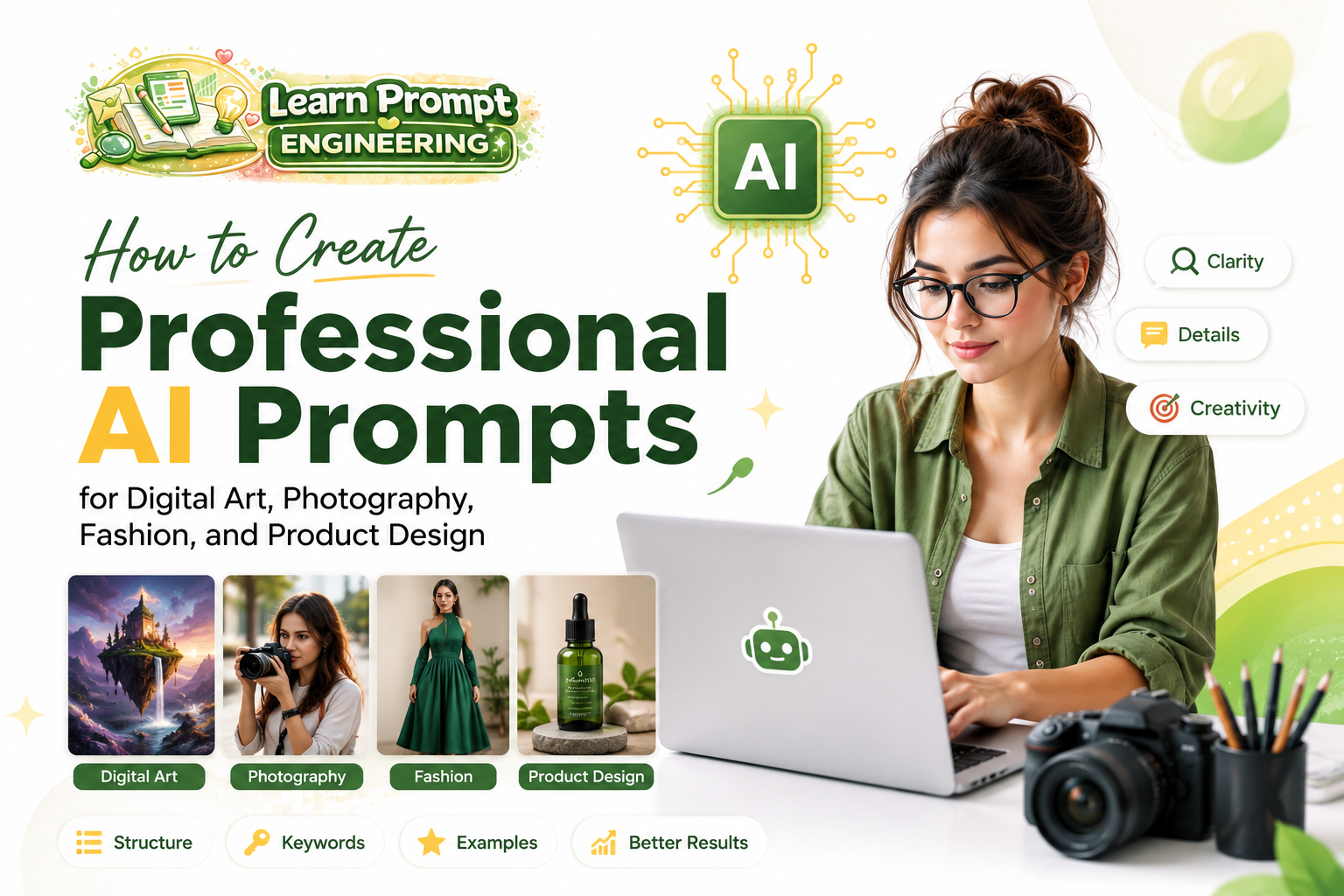
Creating professional-grade visuals with AI requires domain-specific prompting techniques. This comprehensive guide provides expert strategies and proven templates for digital art, photography, fashion, and product design.
General Principles for Professional AI Image Prompts
Professional prompts share three key elements: precision, context, and technical specifications. Always include subject details, style references, lighting, composition, and quality parameters.
1. Digital Art Prompts
Digital art benefits from strong artistic direction and creative freedom.
Best Practices:
- Reference specific artists or art movements.
- Describe mood, color palette, and texture.
- Use terms like “octane render,” “unreal engine,” or “highly detailed digital painting.”
Professional Template:
“[Subject description], [art style], [specific artists], [mood and atmosphere], intricate details, vibrant colors, [technical quality], masterpiece, best quality, 8k resolution.”
Example:
“A majestic cyberpunk samurai standing on a neon-lit rooftop, heavy rain, dramatic lighting, in the style of Syd Mead and Alphonse Mucha, cinematic composition, intricate armor details, moody atmosphere, digital painting, unreal engine 5, 8k, masterpiece.”
2. Photography-Style Prompts
Photography prompts focus on realism, camera settings, and natural lighting.
Best Practices:
- Specify camera, lens, and film type.
- Describe lighting conditions precisely.
- Use terms like “photorealistic,” “shot on Canon EOS,” and “depth of field.”
Professional Template:
“[Subject], [pose and expression], [clothing], [location], [lighting], shot on [camera], [lens], [film style], photorealistic, sharp focus, intricate details, 8k.”
Example:
“A confident 28-year-old woman walking in Tokyo streets during golden hour, wearing modern casual fashion, soft natural sunlight, cinematic street photography, shot on Sony A7R IV with 35mm lens, shallow depth of field, photorealistic, highly detailed, 8k resolution.”
3. Fashion Design Prompts
Fashion prompts require attention to garment details, fabric texture, and model presentation.
Best Practices:
- Describe fabrics, cuts, and embellishments.
- Specify pose and runway vs editorial style.
- Include lighting suitable for fabric rendering.
Professional Template:
“[Model description], wearing [detailed outfit description], [fabric details], [pose], [setting], high fashion photography, [photographer style], dramatic lighting, sharp focus on garment details, 8k, masterpiece.”
Example:
“Elegant female model with perfect proportions wearing a futuristic avant-garde gown made of iridescent silk and metallic accents, dramatic studio lighting with soft shadows, high fashion editorial, in the style of Tim Walker, intricate fabric details, sharp focus, 8k resolution, best quality.”
4. Product Design Prompts
Product visualization demands clean presentation, accurate materials, and professional studio lighting.
Best Practices:
- Focus on materials, textures, and functionality.
- Use clean backgrounds or lifestyle contexts.
- Include multiple angles when needed.
Professional Template:
“Professional product photography of [product name and description], [material and finish], [key features], studio lighting, clean white background, [angle], highly detailed textures, commercial photography style, 8k, sharp focus, best quality.”
Example:
“Minimalist wireless earbuds in matte black and silver finish, floating on a clean reflective surface, soft studio lighting with subtle reflections, product visualization, highly detailed textures, commercial advertising style, 8k resolution, sharp focus, professional product photography.”
Advanced Tips for Professional Results
- Combine multiple artist or photographer references.
- Use negative prompts to eliminate common artifacts.
- Specify aspect ratios (e.g., –ar 16:9).
- Iterate prompts based on initial results.
- Maintain consistency across character or product series.
Recommended Quality Enhancers
masterpiece, best quality, highly detailed, sharp focus, intricate details, 8k resolution, cinematic lighting, professional photography.
Conclusion
Creating professional AI visuals in digital art, photography, fashion, and product design requires domain-specific knowledge and structured prompting. By using the frameworks and examples in this guide, you can consistently produce high-quality, portfolio-ready images.
Practice regularly, analyze successful outputs, and build your own specialized prompt library. With these techniques, AI becomes a powerful professional tool across creative industries.
This guide contains approximately 1050 words and offers practical, domain-specific strategies for professional AI image creation.