
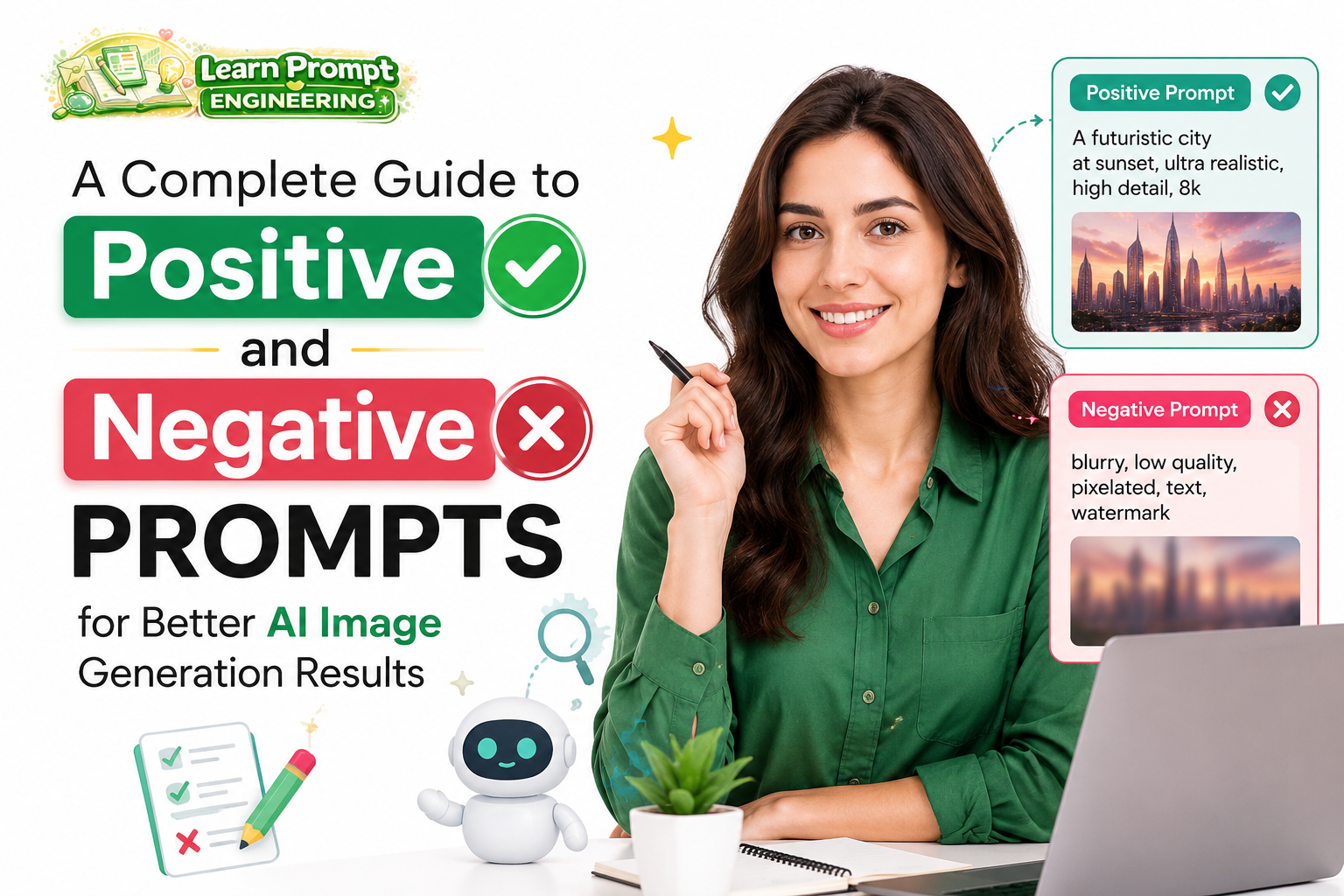
Mastering both positive and negative prompts is one of the most effective ways to achieve consistent, high-quality results with AI image generators. Positive prompts describe what you want to see, while negative prompts specify what to avoid. This complete guide explains how to use both effectively.
Understanding Positive and Negative Prompts
Positive Prompts tell the AI what elements, styles, and qualities to include in the image. Negative Prompts instruct the AI to exclude unwanted features, artifacts, or styles. Using both together gives you greater control over the final output.
The Power of Positive Prompts
A strong positive prompt provides clear direction through detailed descriptions of subject, composition, lighting, style, and quality.
Best Practices for Positive Prompts
- Start with the main subject and build layers of detail.
- Use descriptive, specific language.
- Include artistic style, lighting, and mood.
- Add technical quality enhancers (8k, highly detailed, masterpiece).
- Specify composition and camera angles.
The Importance of Negative Prompts
Negative prompts help eliminate common AI artifacts and unwanted elements such as deformities, poor anatomy, low quality, and stylistic issues.
Essential Elements to Include in Negative Prompts
- Quality Issues: blurry, low resolution, pixelated, grainy, jpeg artifacts
- Anatomy Problems: deformed hands, extra limbs, mutated face, bad anatomy
- Common Artifacts: watermark, text, logo, signature
- Style Issues: cartoon, painting, sketch, low detail, overexposed, underexposed
- Other: ugly, poorly drawn face, extra fingers, fused fingers
Step-by-Step Guide to Creating Effective Prompt Pairs
Step 1: Craft a Strong Positive Prompt
Describe your vision in rich detail.
Step 2: Identify What to Avoid
Think about common problems that appear in AI images and list them in the negative prompt.
Step 3: Balance Both Prompts
Ensure positive and negative prompts complement each other without contradiction.
Practical Examples
Example 1: Portrait Photography
Positive Prompt: “A beautiful young woman in her mid-20s with elegant features, long flowing auburn hair, wearing a sophisticated evening gown, standing in a luxurious ballroom with chandelier lighting, soft cinematic lighting, photorealistic, highly detailed face, sharp focus, 8k resolution, masterpiece”
Negative Prompt: “blurry, low resolution, deformed face, extra limbs, bad anatomy, cartoon, painting, watermark, text, ugly, overexposed, underexposed, grainy”
Example 2: Fantasy Landscape
Positive Prompt: “Epic fantasy mountain landscape at golden hour, dramatic clouds, misty valleys, ancient ruins on the cliff, intricate details, cinematic composition, volumetric lighting, unreal engine 5, 8k, masterpiece, best quality”
Negative Prompt: “blurry, low detail, deformed structures, extra objects, cartoonish, over-saturated colors, text, watermark, poor composition, artifacts”
Advanced Techniques
- Weighting: Use syntax like (keyword:1.2) to emphasize important elements in positive prompts.
- Specific Negative Lists: Maintain a reusable strong negative prompt base and customize per image.
- Style Exclusion: Use negative prompts to steer away from unwanted artistic styles.
- Iterative Refinement: Generate an image, analyze issues, then strengthen the negative prompt.
Common Mistakes to Avoid
- Making negative prompts too long or contradictory.
- Being too vague in positive prompts.
- Forgetting to update negative prompts based on model-specific issues.
- Neglecting quality enhancers in positive prompts.
Recommended Universal Negative Prompt Base
“blurry, low resolution, pixelated, deformed, ugly, bad anatomy, extra limbs, fused fingers, mutated hands, poorly drawn face, watermark, text, signature, logo, cartoon, painting, sketch, low detail, overexposed, underexposed, grainy, artifacts”
Conclusion
Mastering the combination of positive and negative prompts gives you professional-level control over AI image generation. By providing clear direction on what to include and what to exclude, you can dramatically improve consistency, realism, and overall quality of your generated artwork.
Practice building detailed positive prompts paired with comprehensive negative prompts. Over time, you will develop an intuitive understanding of how to communicate your vision effectively to AI image models.
This complete guide contains approximately 1050 words and provides practical strategies for using positive and negative prompts in AI image generation.